Guides
Evade Beginner Guide: Controls, Nextbots and How to Revive Teammates
Learn how Evade works: what nextbots do, the main PC controls, how downed players are revived, and simple habits that help you survive longer.
 Evade 34.1K playing
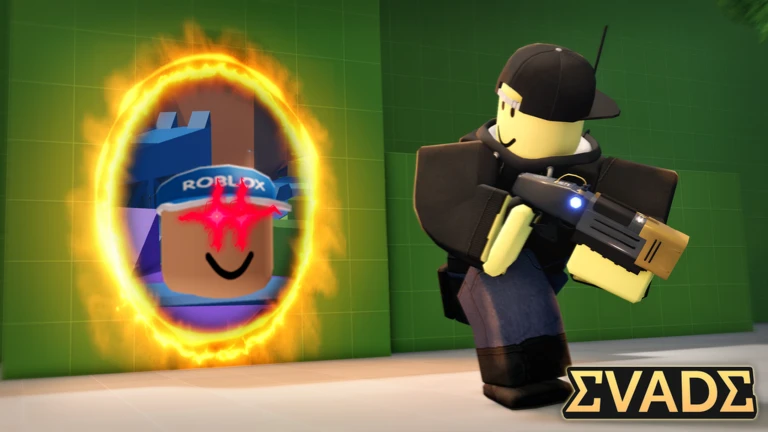
Evade puts you in a map with nextbots, meme characters that chase and knock out players. This guide covers what you are up against, which keys to learn first and how revives work, so your first rounds go better. Most facts come from the Evade wiki on Fandom (CC BY-SA). Pocket Tactics gave the background, but its article is from 2022, so we used only its basic description. Details are as of October 2026, and Evade changes often, so check the controls in the game too. Looking for free rewards? See the Evade codes page.
What you are up against
Per Pocket Tactics, the idea comes from the Nextbot Chase mode of Garry's Mod, and the game combines it with places like the Backrooms. The wiki describes nextbots as flat character images that walk toward players and deal 125 damage when they get you. Some things to know:
- Only a few nextbots are active per round. The wiki says two to four, and one when a lot of players are in the server. Special rounds such as Double Trouble or Triple Trouble can change that.
- They warn you. You can hear a looping sound near them, lights may flicker, and a red or black filter gets stronger as one gets closer.
- Most are slower than you. The wiki says the average nextbot is about 2 percent slower than a player, so you can outrun many of them, especially if you keep jumping forward while at top speed. A few have a speed boost, and the wiki names Angry Munci as one of the hardest.
- They are not meant to be killed. The wiki says they have around 500,000 health, so do not plan on fighting one in a public server.
Controls to learn first (PC)
The wiki lists these keys for the current overhaul version:
- W, A, S, D: move. E: interact.
- Ctrl or C: crouch, or slide if you are running. Sliding also bashes down doors.
- R: turn around (also reloads a gun).
- F: turn your light on or off.
- T: whistle. It highlights a player, even a downed one, which helps teammates find you.
- Q: carry a downed player.
- M: return to the menu.
The wiki also lists Xbox and mobile controls, so look at the Controls page if you play there.
How downed players and revives work
When a nextbot gets you, you are downed rather than gone, as long as more than two players are in the round. According to the wiki, other players can carry or revive you. You can go down three times, and on the third you die and go back to the main menu.
Ways to revive: - A teammate can use the revive button for free. - A Revive Grenade explodes into green smoke and revives all downed players within 20 studs. The wiki says it works well on groups, on hard-to-reach players, and when it is too dangerous to stop. - A Defibrillator revives a single player right away with no cooldown. The wiki says it was added on February 15, 2026.
Both items are bought in the shop. Check what is on offer before buying, and remember that anything bought with Robux costs real money, so ask a parent or guardian first.
Habits that help beginners
- Keep moving. Most nextbots are slower than you, so staying in motion is your main defense.
- Listen. The looping sound and flicker are your cue to leave an area.
- Jump forward while running to keep your speed up, as the wiki notes this helps against slower nextbots.
- Look for downed teammates before leaving a section, and use whistle to find them.
- Crouch-slide to bash doors when you need a quick way through.
- Do not use scripts or exploit tools. They break Roblox rules and can put your account at risk.
Quick checklist
- Learn slide, turn around and whistle.
- Move away when you hear the warning sound.
- Revive teammates when safe.
- Keep an eye on how many times you have been downed.