Guides
Blade Ball Beginner Guide: How to Block, Read the Target Cue and Practice
Learn how Blade Ball works, which keys block on PC, console and mobile, how to read the red target cue, and a simple way to improve your timing with Training Mode.
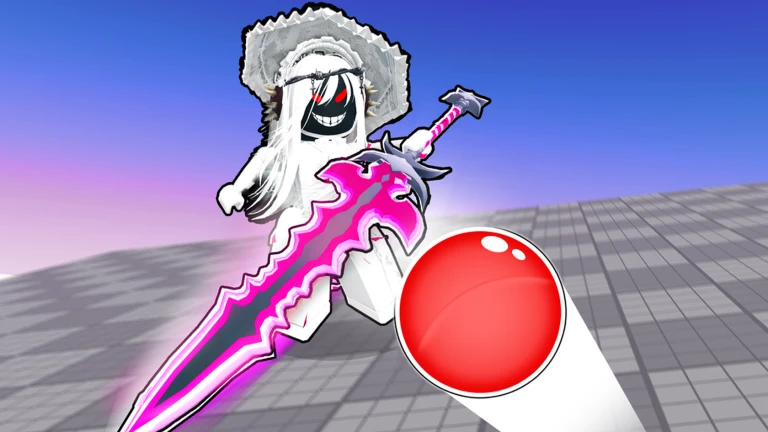
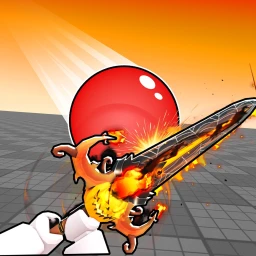 Blade Ball 12.4K playing
In Blade Ball a homing ball chases one player at a time and speeds up as it goes. If it reaches you, you are out, so almost everything comes down to one skill: blocking, also called parrying, at the right moment. This guide explains the controls, how to tell when the ball is coming for you, and a practice routine that fixes timing problems one at a time.
How a round works
The official game page describes a deflectable homing ball that hunts players with increasing speed. The ball picks a target and chases it. When you block successfully the ball changes direction and heads for another player. You can also gain and upgrade abilities, and the page mentions weapon skins and finisher effects, which are cosmetic. Whether you play for the leaderboard or casually is up to you.
Controls
The game page lists these controls:
- Block: F on keyboard, R1 on controller, tapping the screen or the on-screen button on mobile, or left click.
- Ability: Q, button X on controller, the on-screen button on mobile, or right click.
- Shift lock: Shift on keyboard or button Y on controller.
- Emote: R on keyboard or L1 on controller.
Pixel Twelve stresses that Q is for abilities, not the normal block. Learn the regular block first. On a phone or tablet, tap the arena view rather than a menu or the movement control. Item Level Gaming notes that you can rebind every move in the settings menu, so change keys if the defaults feel awkward.
Read the target cue
With the default colors, the ball turns red when it is targeting you and your character gets a red outline or glow. Pixel Twelve points out that if you have changed the ball colors, you should watch which player the ball is heading towards and the highlight on your own character rather than trusting the word red. Keep your camera on the ball at all times. Even when it is flying towards someone else, their next deflect can send it your way.
Timing your block
Make one deliberate block attempt as the ball gets close, before it touches you. Pressing too early wastes the attempt, and there is no single safe distance because the ball speeds up during a round. After you press, check the ball itself: a successful block makes it travel away towards another player, and your sword swinging is not proof that it worked.
When you lose, change one thing only. Pixel Twelve suggests this rule:
- If there was still a big gap when you pressed, press later next time.
- If the ball had already reached you, press earlier.
- Keep the same key while you test, so you know the timing changed and not the control.
Practice in Training Mode
Item Level Gaming, in an older guide from early 2024, describes Training Mode as a place to practice before real rounds. You reach it from Server Select with the blue button in the lower right. You can set the skill level of the AI and the number of bots, make bots move or stand still, and even set them to target each other. Check that your current menu still looks the same. The guide recommends practicing there even if you are a veteran starting a new game.
It also mentions curve and high shots, where you aim the camera at different angles while you block to send the ball sideways or upward. Those are harder to predict, so they are worth learning once straight blocks feel natural.
Practical tips
- Lower graphics settings if particle effects make the game stutter.
- Do not stand directly beside another player. Pixel Twelve notes you get less time to read the ball after their deflect.
- Play casual lobbies while you learn, and rely on the basic block before depending on abilities.
- Use the codes page for free rewards: see Blade Ball codes.