Guides
Anime Zero beginner guide: first weapons, enchants, skill tree and Story mode
What to do in your first Anime Zero session: claim free rewards, roll weapons, pick an enchant, spend skill tokens and clear Story mode, with controls explained.
 Anime Zero 25.3K playing
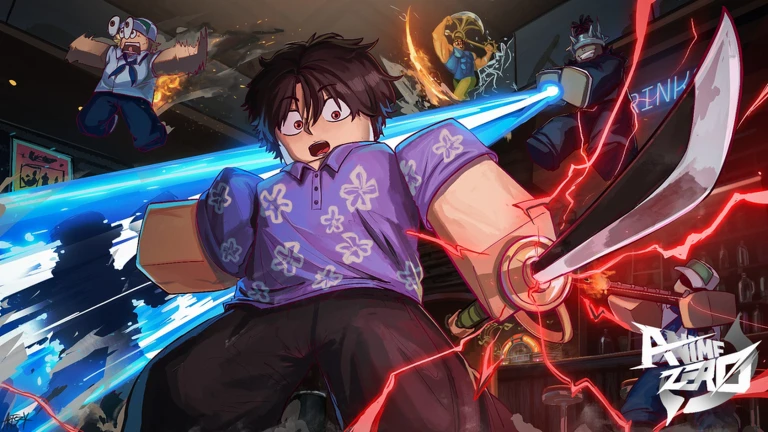
Anime Zero is an anime dungeon RPG with fast combat, where you summon fighters and weapons, roll traits and clear rooms of enemies. This guide covers what to do in your first session and how to build up afterward. The game is still being updated (the Roblox page lists Update 3, Trials, as the newest at the time of writing), so button names can change. Follow the on-screen menus if they differ from what is written here.
Step 1: claim free rewards
Before your first dungeon, redeem any working code and claim the Roblox group reward if you qualify. These can give rolls and supplies. Our Anime Zero codes page lists current codes and notes level requirements, and the game also posts codes in its Update Log. Nothing here needs Robux.
Step 2: roll your weapons
Use your spins in the summon menu. Each weapon has its own moveset, so read it before equipping. A Legendary weapon is a solid start and you do not need the top rarity to clear the first Story dungeon. You can equip two weapons at once and swap between them during a run, so fill both slots before you go in.
Step 3: pick a damage enchant
Both beginner guides suggest Power as an early damage enchant. Roonby also lists Hunter, Bloodlust and Supernova as later options. Traits are separate: Trait Rerolls give passive stat bonuses, and they come from stage clears, quests and code rewards. Keep a usable setup instead of chasing a perfect roll.
Step 4: spend your first skill token
Every weapon has its own skill tree with paths for attack, critical chance, defense and speed. The first token can go to a damage node worth 15 percent more damage. Later nodes cost more. Prioritize damage and crit early, and move toward defense if you keep losing health.
Controls on PC
- Move with W, A, S, D and jump with Space.
- Q dashes, which you use to dodge or reposition.
- E interacts.
- Skills are on 1, 2 and 3, and G is the ultimate when it is ready.
- T swaps your weapon.
How to clear Story mode
Story is the place to start. Each section has waves that you must clear before moving on, and the final wave has a boss with a much bigger health pool and special attacks.
- Pull several enemies together, then use area skills.
- Swap to your second weapon when its skill is ready. If both are on cooldown, make distance and dodge.
- Use skills after the boss commits to an attack, and keep moving.
- Survival matters more than damage while you are still learning each fight.
If a run fails, gather enemies more carefully, dash before you get cornered, and fight from range more often. The stage selector may show several difficulty tiers, and harder ones are meant to pay better, so pick one you can finish first.
Reward systems worth checking
- Milestones and quests: they give Coins, Gems, Materials and spins, so claim them between runs.
- Accessories: crafted from stage materials, with bonuses such as damage, health, coin gains or shorter cooldowns. Check recipes early so you keep the right materials.
- AFK Chamber: it gives passive rewards while you stand in it. Collect them when you come back.
- Evolution: a later weapon goal. Collect the stage items that weapon needs, then open the Evolution menu in the lobby. It is tied to unlocking that weapon's ultimate.
- Achievements and titles: some titles, such as ones for completing a set number of dungeons, are easy to earn early.
What comes next
Repeat Story until both weapon slots feel usable and you can reach the boss every time. After that, spend your Coins, tokens and materials on the weakness you saw in your last run. The game's Roblox page also lists Infinite, Raids and Trials, plus guilds and leaderboards, so try those once Story feels comfortable.
Check each source again after big updates, because the game is young and numbers change.